Figure
A responsive content image with an optional caption, described or skipped on purpose.
On this page
import { Figure } from "@/components/Figure";
import elk from "../images/bull-elk-1280.jpg";

export function FigureExample() {
  return (
    <Figure
      src={elk}
      width={1280}
      height={853}
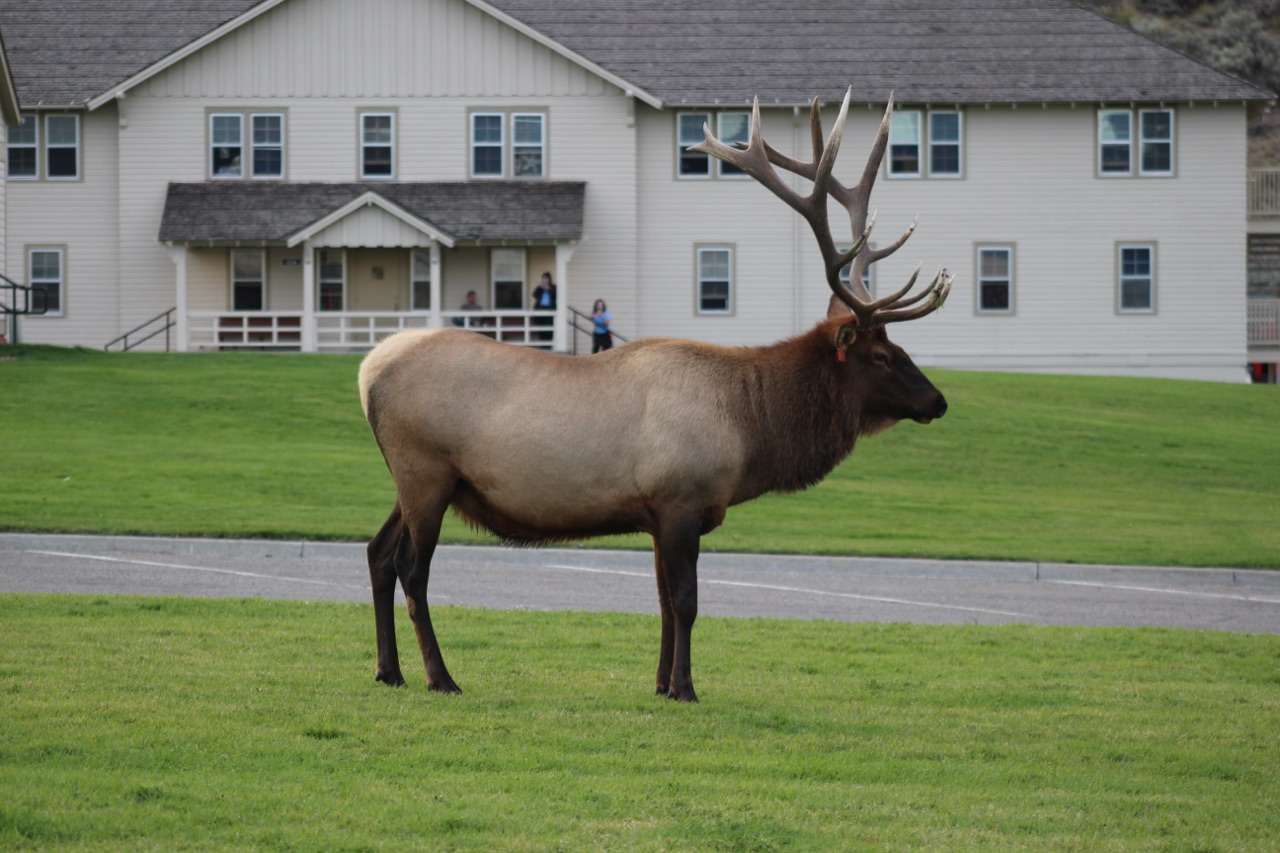
      alt="A bull elk with a wide rack of antlers stands side-on in a mown field by a road."
      caption="Bull elk, Yellowstone National Park."
    />
  );
}
Examples
Informative with a caption
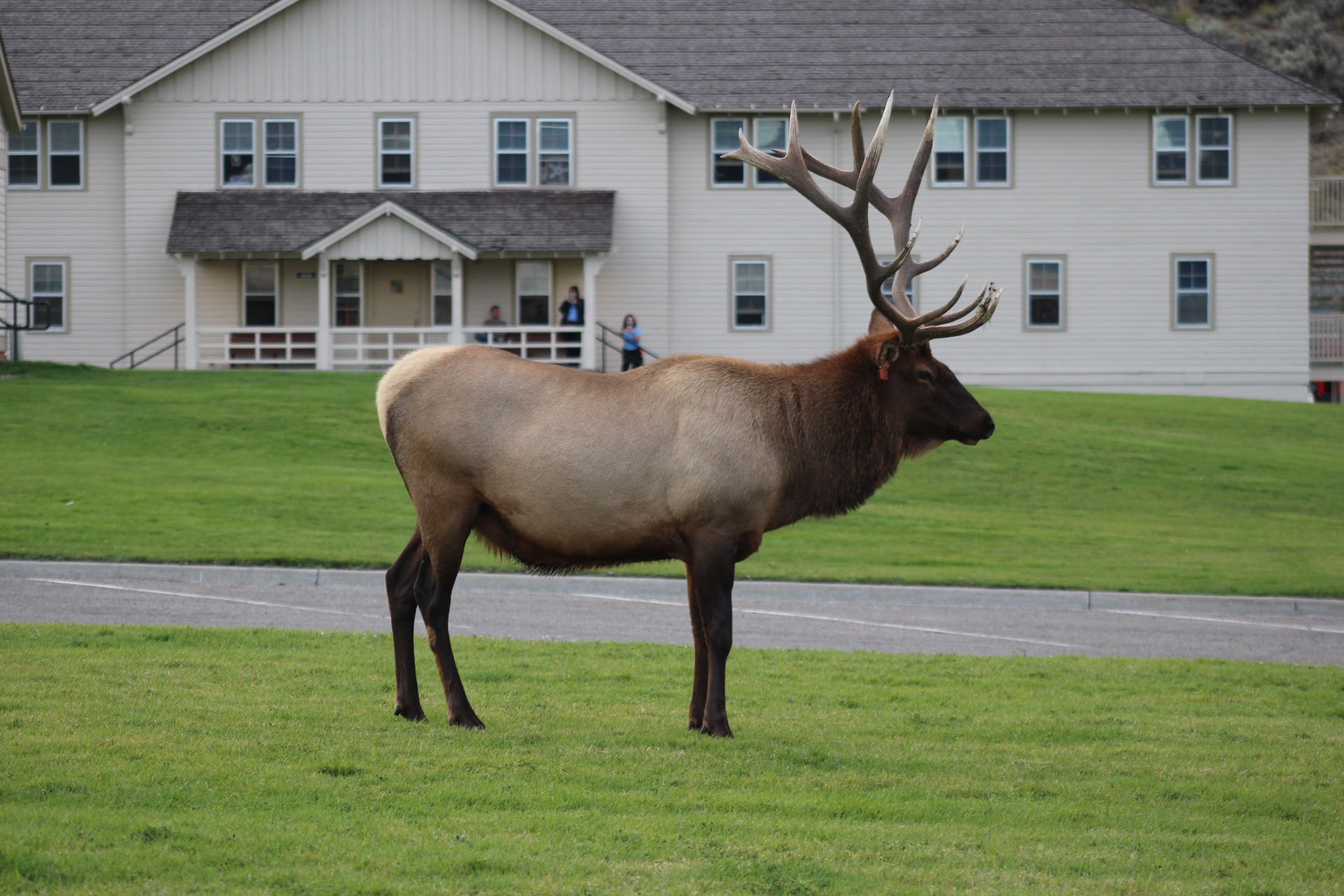
The figure is named by its caption. The alt text says what the image shows, and the caption adds what it doesn't.
Tall image
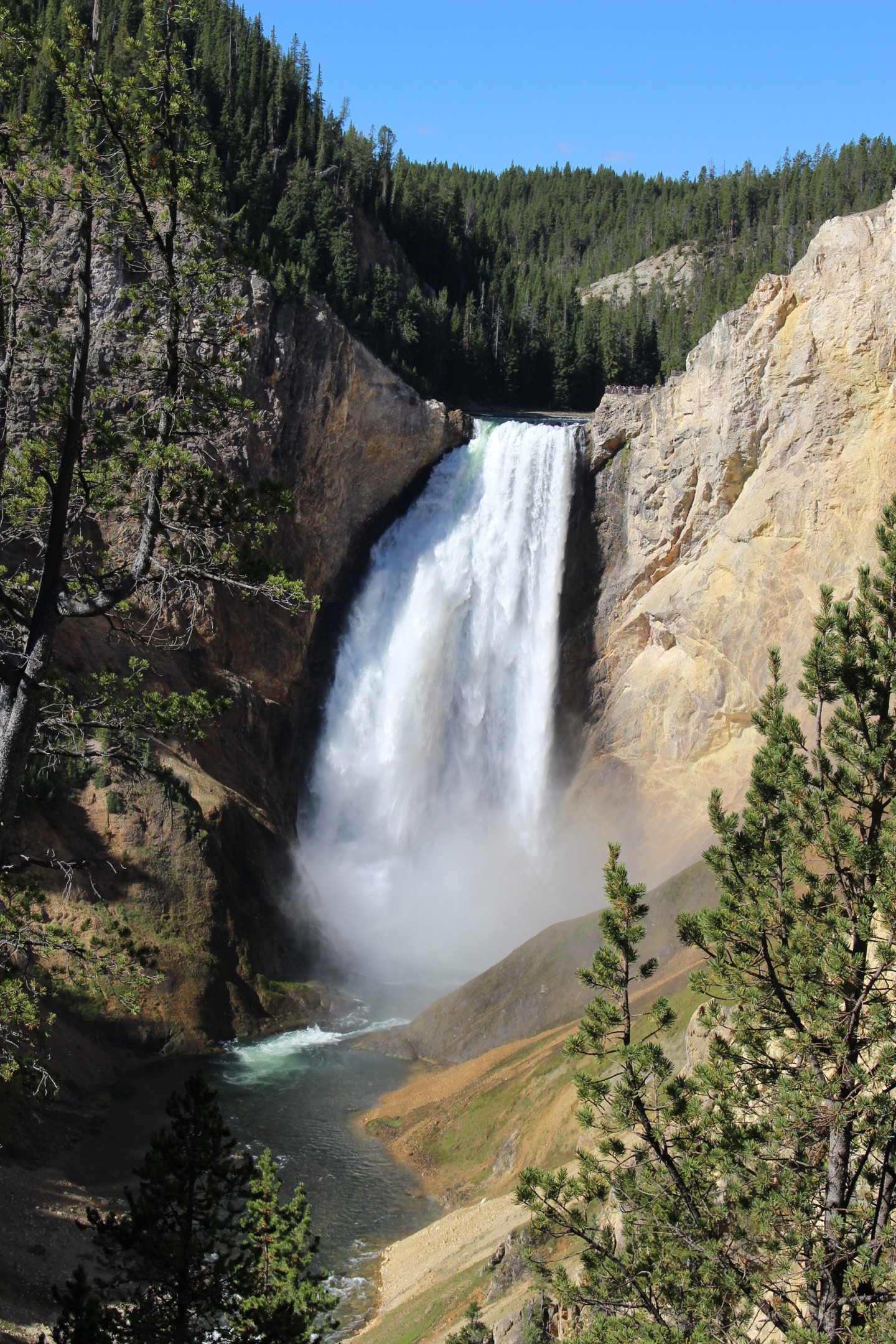
Capped at 80% of the window's height, keeping its shape. The caption wraps at the image's width.
Failed to load

When an image fails to load, screen readers still read its alt text, and browsers show it where it fits.
Decorative
A bull elk stands side-on in a mown field by a road, a white two-story building behind it.
The paragraph already says what the photo shows, so the image is decorative: it has alt="", and screen readers skip it.
Customized with component tokens
.customFigure {
  --component-figure-image-max-block-size: var(--size-column-md);
  --component-figure-caption-gap: var(--space-stack-sm);
}
Props
Any native prop not listed here goes to the root element unchanged.
There are no children. Pass exactly one of alt or decorative, and a literal alt="" is a type error: use decorative. width and height are required and are the image's intrinsic pixel size, not the displayed one. className, other native props and ref reach the figure. There's no margin, so the parent's gap spaces it.
| Prop | Type | Default | Description |
|---|---|---|---|
alt | string | — | What the image shows or does. Required unless decorative; a literal empty string is a type error, so use decorative instead. |
decorative | true | — | Renders alt="", so assistive technology skips the image. Use it where nearby text already says everything the image shows. Pass alt or decorative, never both. |
caption | ReactNode | — | Rendered as the figcaption, right below the image, as small muted text that wraps at the image's width. It names the figure. |
src | string | — | The image file, and the fallback when srcSet is set. |
srcSet | string | — | Other widths of the same image (e.g. `photo-640.jpg 640w`), for the browser to pick from. |
sizes | string | — | How wide the image shows at each window size, so the browser picks the right file from srcSet. |
width | number | — | The image's intrinsic width in pixels (not the displayed width). With height, it reserves the box before the image loads. |
height | number | — | The image's intrinsic height in pixels (not the displayed height). |
loading | "lazy" | "eager" | "lazy" | The image in view when the page loads takes "eager". |
decoding | "async" | "sync" | "auto" | "async" | When the browser decodes the image. |
fetchPriority | "high" | "low" | "auto" | — | The image in view when the page loads (the largest one) takes "high". |
crossOrigin | "anonymous" | "use-credentials" | "" | — | For an image from another origin that's read by script. |
referrerPolicy | HTMLAttributeReferrerPolicy | — | The img element's referrerpolicy. |
Component tokens
| Token | Copy | Description | Aliases | Light | Dark | Preview |
|---|---|---|---|---|---|---|
--component-figure-image-radius | Corner radius of the image. | radius.surface | 4pxfrom radius.4 | 4pxfrom radius.4 | ||
--component-figure-image-max-block-size | Tallest the image gets; it shrinks with its aspect ratio kept. | size.viewport.image | 80dvhfrom size.viewport-height.80 | 80dvhfrom size.viewport-height.80 | No preview | |
--component-figure-caption-gap | Space between the image and the caption below it. | space.stack.xs | 0.25remfrom space.1 | 0.25remfrom space.1 |
Accessibility
- Alt text says what the image shows or does, in a sentence or two. Don't start with "image of", and don't repeat the caption: the caption adds context.
- Use decorative where nearby text already says everything the image shows, or the image is only ornament. It renders alt="", so screen readers skip it, and with no caption the figure itself is hidden (role="none"), so nothing empty is announced.
- A caption names the figure, so screen readers announce it with the figure. Without one, the figure has no name.
- A chart, diagram or screenshot with detail needs a full description in its caption or the text next to it; alt text alone is too short.
- If an image fails to load, screen readers still read its alt text, and browsers show it where it fits.
- Tall images are capped at 80% of the window's height, so the whole image is in view without scrolling.
- The image in view when the page loads takes loading="eager" and fetchPriority="high"; others load lazily as they scroll near.